



Description
Phone Kickstand: Ultra-Thin Aluminum Alloy Vertical & Horizontal Multi-Angle Stick-On Mobile Holder
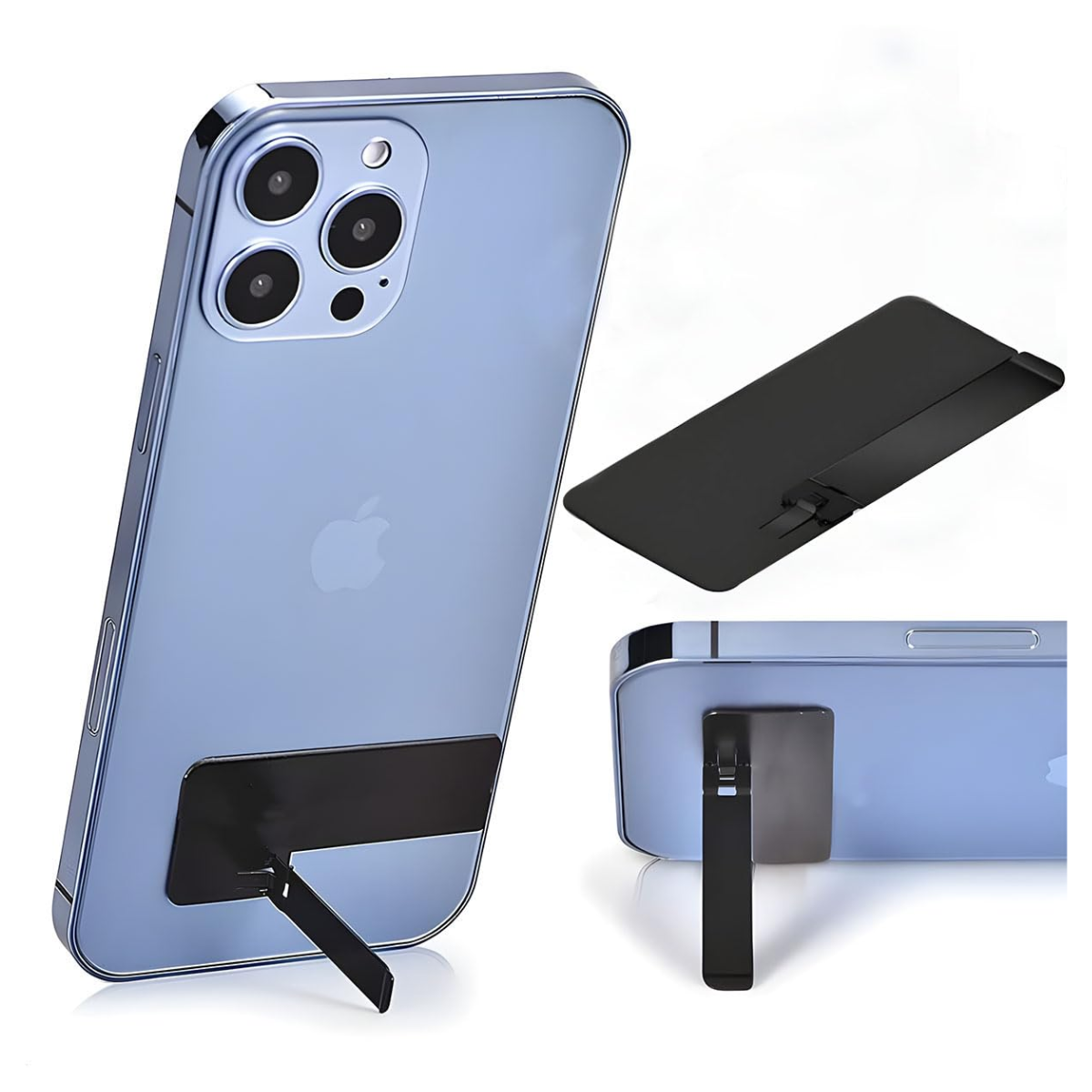
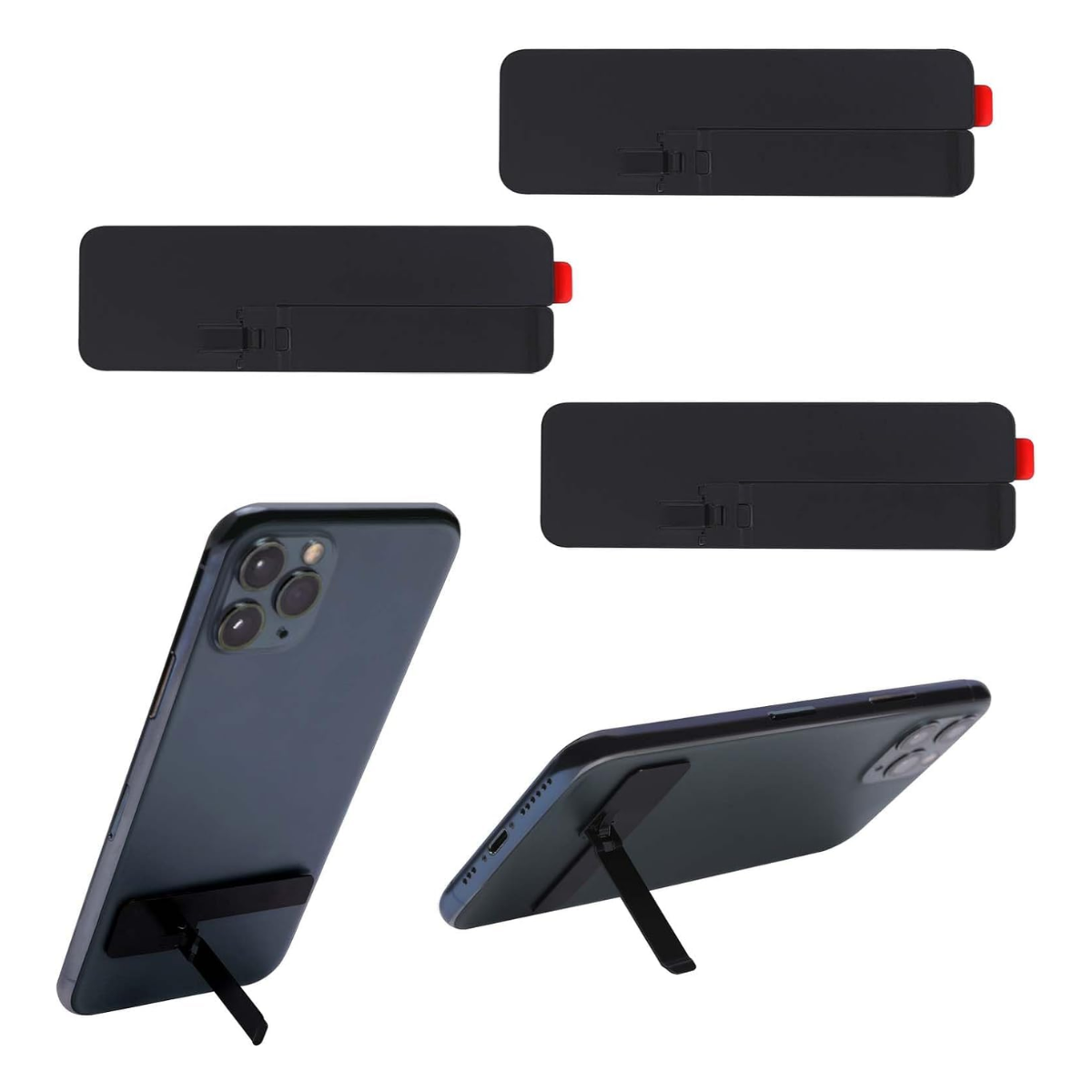
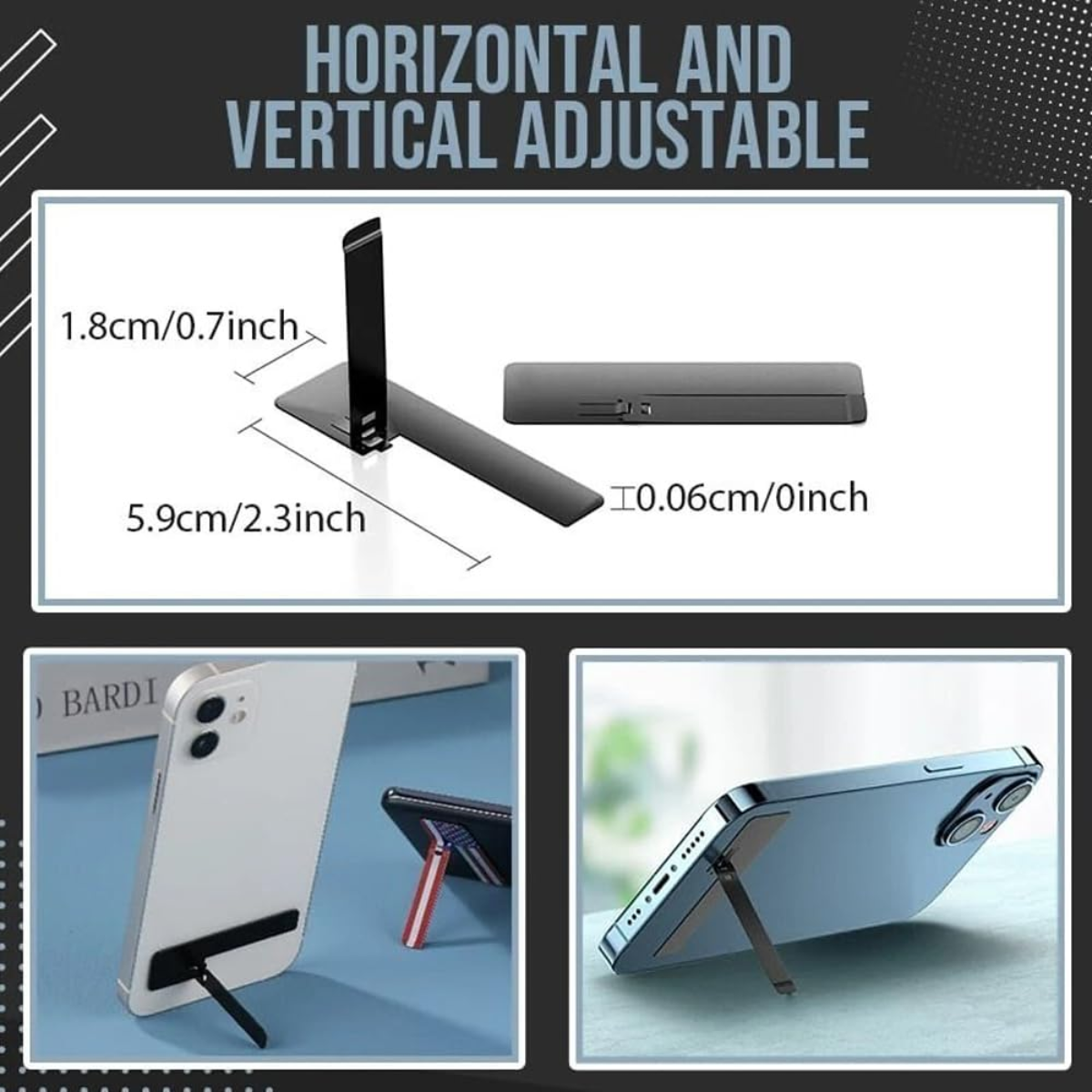
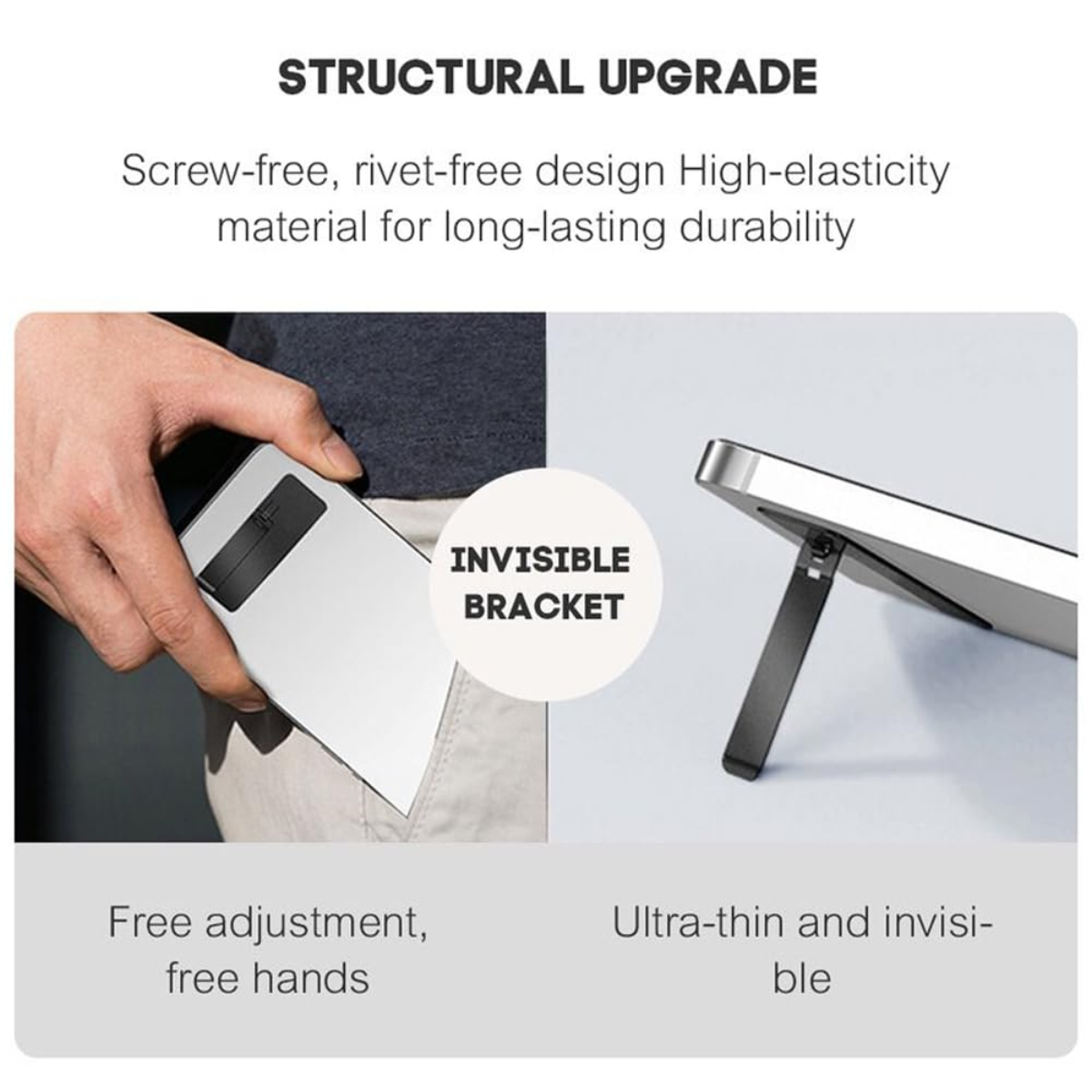
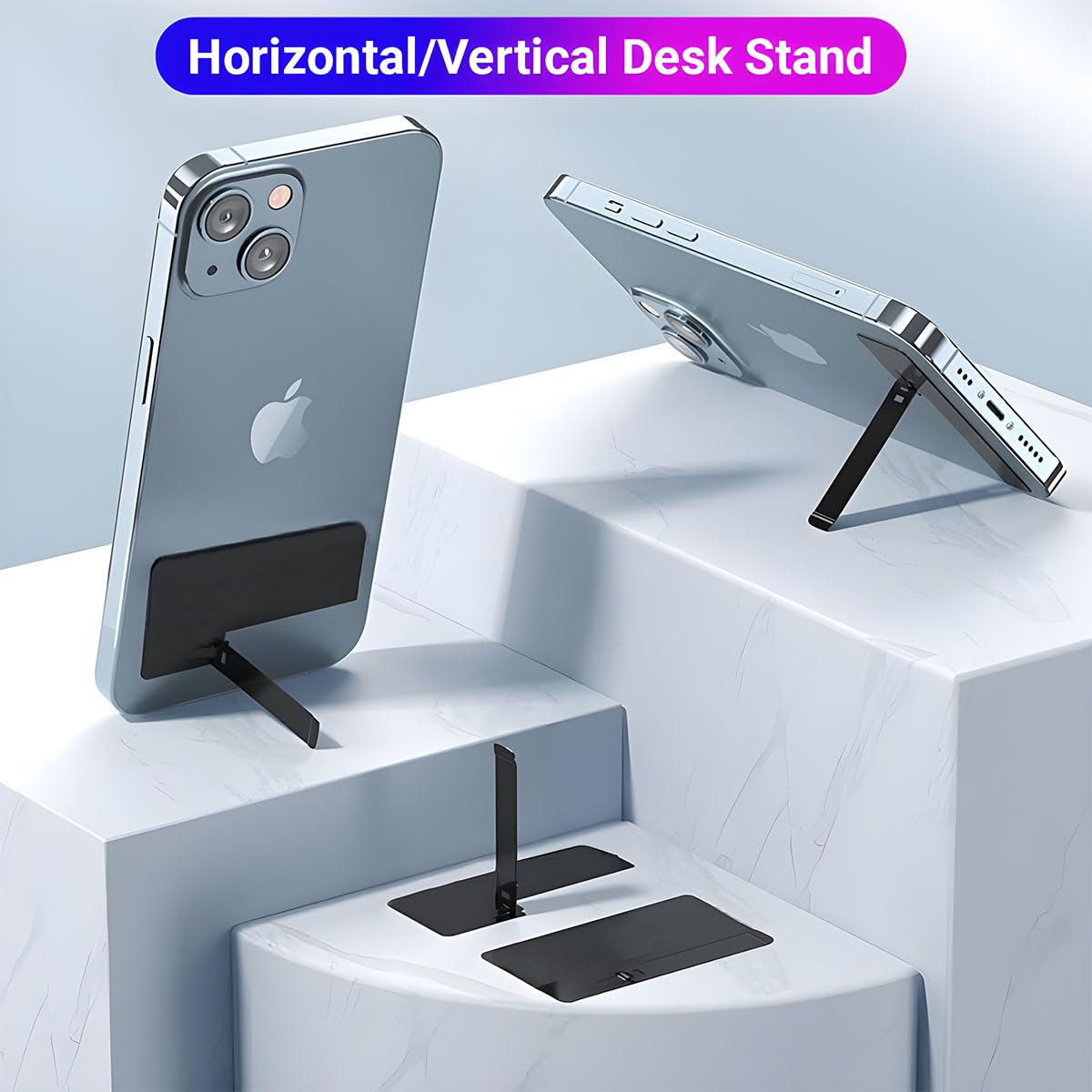
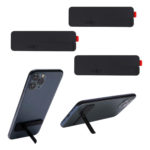
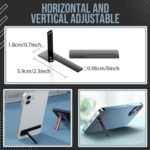
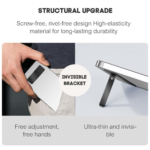
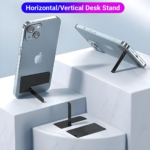
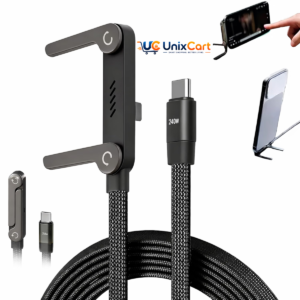
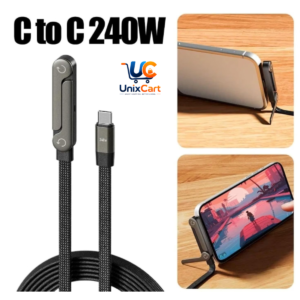
A desk stand is fine when the phone sits on a table, but useless the moment it’s held in hand or propped against something unusual. This kickstand solves that by attaching directly to the phone itself — a thin aluminium alloy piece that sticks to the back of a phone or hard case using removable adhesive, folding down to just 1mm so it’s barely noticeable when not in use. Flip it out, and it props the phone up vertically or horizontally at an adjustable angle; fold it flat, and it disappears against the phone’s back, thin enough to still fit in a pocket without adding bulk.
Why sticking to the phone beats a separate stand
A standalone stand needs to be carried separately and is useless if the phone leaves the desk. This kickstand solves that by being attached permanently (but removably) to the phone itself, so hands-free viewing is available anywhere the phone goes — in bed, on a plane tray table, propped against a random object — not just at a fixed desk spot.
The adhesive is genuinely removable, not a one-way commitment
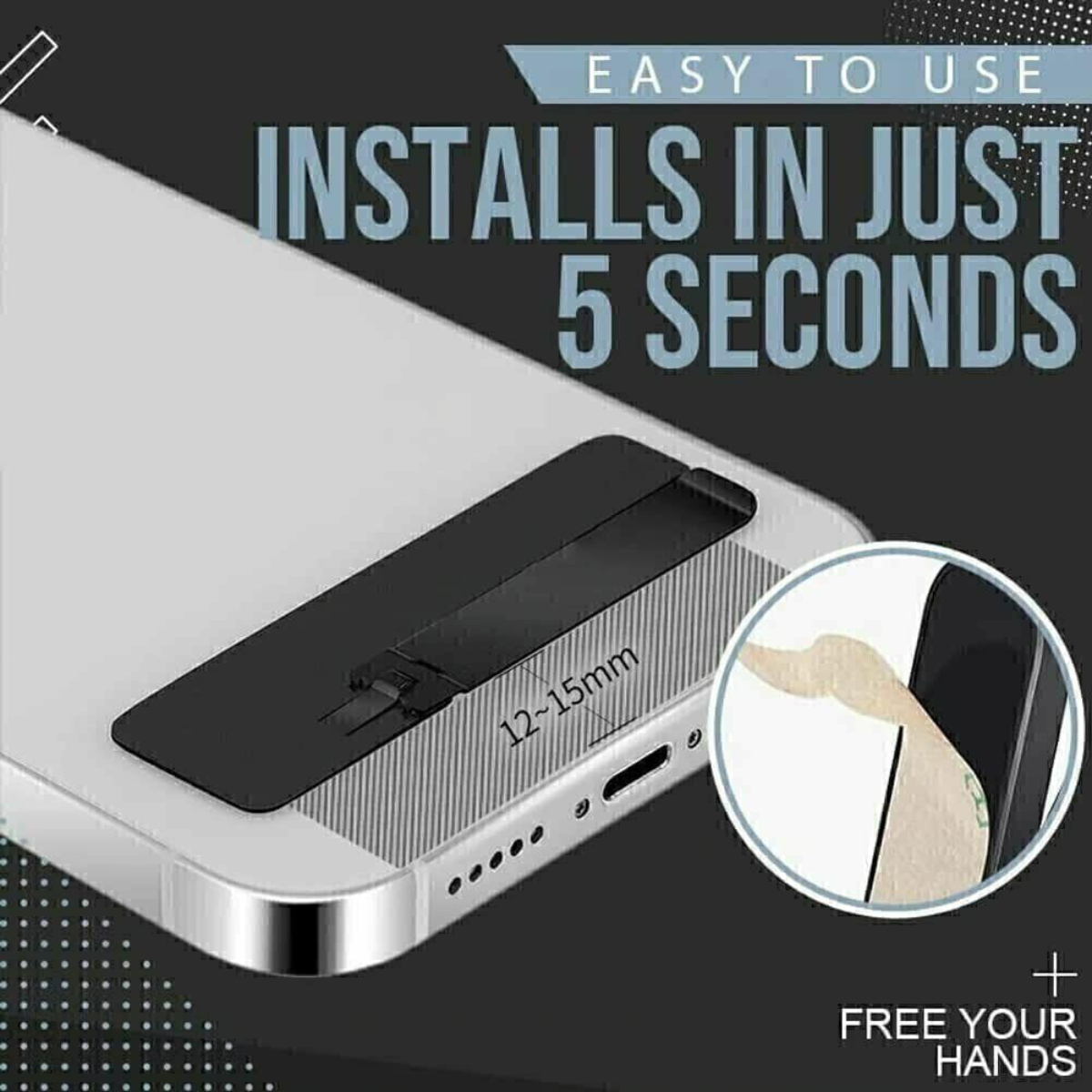
A common worry with stick-on accessories is being stuck with them forever, or damaging the phone’s surface on removal. This one uses a removable adhesive tape specifically chosen to release cleanly without smudging or leaving residue, so it can come off if the phone is sold, the case is changed, or the stand simply isn’t wanted anymore.
~1mm thickness, and why that number matters
At roughly 1mm thick, it’s genuinely unnoticeable in a pocket — nowhere near the bulk of a phone case with a built-in stand or ring holder. It folds flat against the phone’s back when not in use, only standing up when actively needed.
Doesn’t interfere with wireless charging
Since the flexible positioning sits flat against the phone rather than covering the charging coil area awkwardly, it’s built to not disrupt wireless charging — a detail that matters for anyone using a charging pad regularly.
Where to actually place it for the best hold
For the most stable grip, positioning it roughly 1.5cm up from the bottom edge of the phone or case gives the adhesive the best surface contact and balance point for the kickstand function.
PRODUCT SPECIFICATION
Key Features
- Ultra-thin aluminium alloy, approximately 1mm thick
- Removable adhesive, no residue on removal
- Vertical and horizontal adjustable angle
- Doesn’t interfere with wireless charging
- Universal fit for flat-surfaced phones and hard cases
Benefits
- Hands-free viewing wherever the phone is, not just at a desk
- Removable without damaging the phone’s surface or leaving marks
- Nearly invisible thickness, doesn’t add bulk to a pocket
- Works alongside wireless charging setups without interference
Use Cases
- Hands-free video watching in bed or on a couch
- Video calls without holding the phone
- Propping the phone on a flat surface at an angle for typing
- Travel use, especially for tray tables or uneven surfaces
What’s Included
- 1 × Phone Kickstand (with removable adhesive)
FAQs
-
Q1: Can this kickstand hold large and heavy phones vertically without falling over?
Yes. Thanks to its precision-damped internal stainless steel friction hinge and balanced leg geometry, it securely holds even heavy flagship smartphones (such as iPhone Pro Max and Samsung Galaxy Ultra series) in vertical portrait orientation at a comfortable 60-degree angle.
-
Q2: Will this metal kickstand block wireless charging?
No, provided it is installed correctly. Install the kickstand horizontally along the lower bottom edge of your phone case. This leaves the center of the phone completely unobstructed, allowing wireless charging pads and MagSafe chargers to work normally.
-
Q3: Does the kickstand catch on jeans pockets when sliding the phone in?
No. The kickstand features a rounded, beveled 4 mm ultra-slim profile with smooth chamfered edges that glide in and out of tight pockets and bags without snagging.
-
Q4: Can I stick this directly onto a silicone or fabric phone case?
It adheres best to smooth hard plastic (PC), TPU, metal, and glass cases. It is not recommended for textured fabric, rough leather, or porous liquid silicone cases, as flexible silicone prevents the adhesive from forming a complete vacuum bond.
-
Q5: What should I do if I want to remove or change my phone case later?
The 3M adhesive can be removed cleanly without leaving permanent marks. Slide a piece of dental floss or a thin plastic guitar pick between the adhesive and the case in a sawing motion to release the bond, then wipe away any minor residual film with rubbing alcohol.






Reviews
There are no reviews yet.